Link chaos
Your internal tools generate long, cryptic URLs that nobody can remember. Every browser bookmark is a personal silo.
Lora replaces long URLs with a single word. Plus smart routing by location or device, QR codes for frontline teams, and analytics that show what actually gets used.
Your links are scattered across Slack threads, Notion pages, Jira boards, Google Docs, and internal wikis. Every day, your team burns valuable time doing the same thing: searching for a link they already found last week.
Your internal tools generate long, cryptic URLs that nobody can remember. Every browser bookmark is a personal silo.
New hires spend their first weeks asking 'Where do I find...?' The answer usually lives in someone's head, not in any system.
Warehouse workers, drivers, and field staff often struggle to access the links and knowledge that desk workers take for granted.
One shortcut your team can remember and reuse.
Long SharePoint URLs are hard to remember. With Lora, type short, press Space, and enter a name such as handbook.
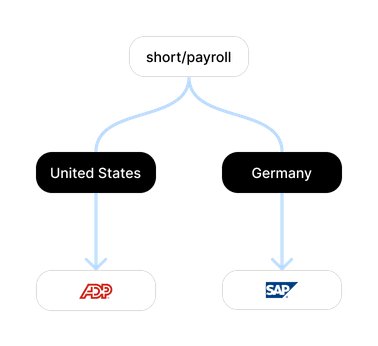
The payroll shortcut can route employees in Germany, the US, and the UK to different providers. One shortcut name, with destinations chosen by country.
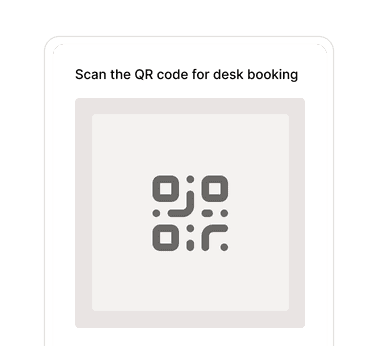
Generate a QR code for any shortcut and place it where your team actually works. On warehouse shelves, equipment, or meeting rooms. Your team scans, finds the answer.
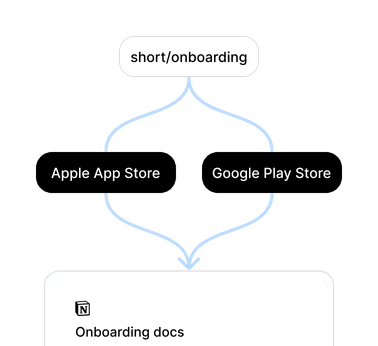
The onboarding shortcut can send iPhones to the App Store and Android phones to Google Play. Combine platform and country in one rule, while other visitors use the default destination.















































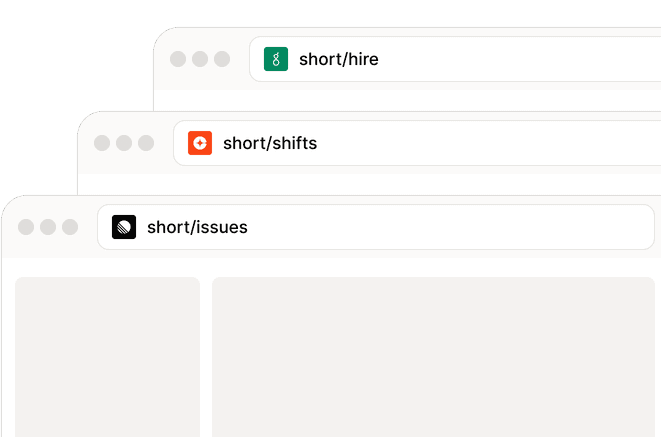
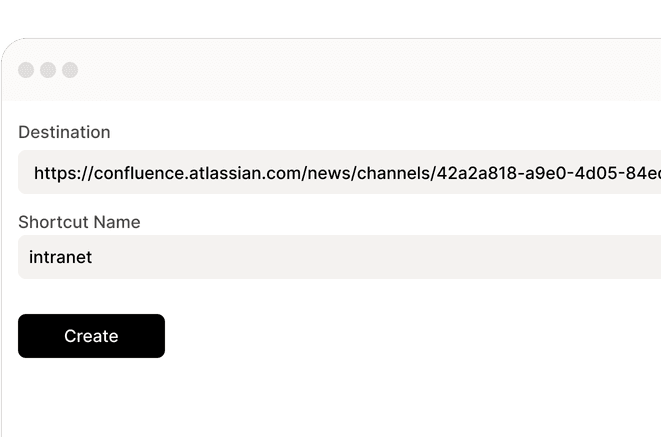
Name it once, find it everywhere. From internal campaigns to daily tools.
Paste any URL, pick a name, done. No training needed, no setup guides. Anyone on your team can create and share shortcuts from day one.
Add custom inputs when a shortcut opens. A single shortcut such as jira can accept an ID and take your team to the corresponding ticket or client folder.

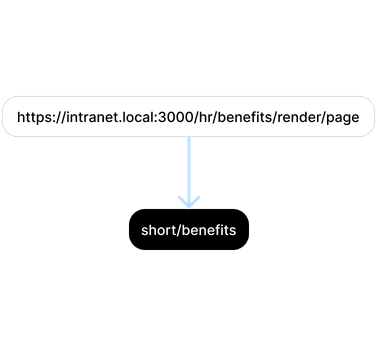
Present an embeddable destination under a clean Lora shortcut instead of showing its long URL. Masking changes presentation; it does not replace access controls.
Keep your growing library of shortcuts neatly structured. Tags and folders mean your team can find what they need, even with hundreds of links.
Find any shortcut in seconds. Type in the browser address bar, search by name, tag, or folder. Your team gets to the right page without switching tabs.
Find out how usage differs across devices and locations.
Every shortcut click is a search your team didn't have to do. Lora adds up the time saved so you can put a number on it.
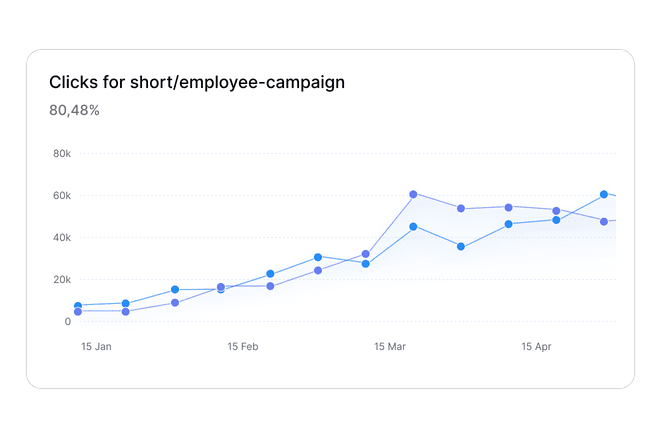
See where your shortcuts are used by country, region, browser, and device. Useful for understanding whether your mobile workforce actually reaches the resources you set up for them.
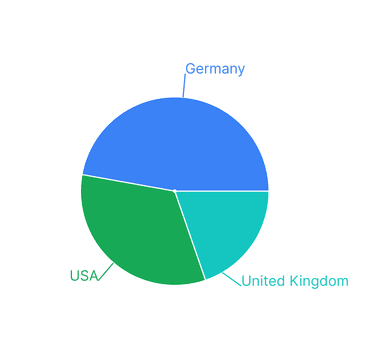
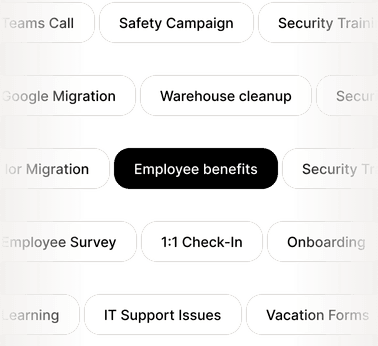
Employer branding, a new benefit, or an internal event: when the links run through Lora, eligible plans show which shortcuts, locations, and members generate activity.
Once you install the Lora browser extension, your address bar becomes a shortcut engine. Type short followed by a space, then your shortcut name (for example, roadmap), and you'll land on the right page.
Lora is built for internal company use and uses encryption in transit and access controls. Access to internal shortcuts follows workspace membership and each shortcut's visibility settings. We never sell your data.
Bookmarks are personal and live only on your computer. Lora is a shared language for your team: workspace shortcuts can be discovered and reused by members, while private shortcuts stay private.
To use shortcuts directly from your address bar, install the browser extension. You can also manage and open shortcuts in the Lora web dashboard, including from a mobile browser.
Yes! Our Free plan includes everything a small team needs to get started, including up to 20 users and core shortcut features. You can upgrade as your company grows and you need more advanced analytics or security features.
They let one shortcut open many related destinations. For example, type short, press Space, then enter jira/101 to open ticket #101 when the shortcut is configured to accept a path value.
Go links are short, memorable links that point to longer internal addresses. Lora applies that idea with shortcuts: you enter one word and land at the right destination, from the address bar, a QR code, or a shared link. Workspaces with access controls and analytics come on top.